Log in / Become a member
 EN
EN


Your Crusher, your way.
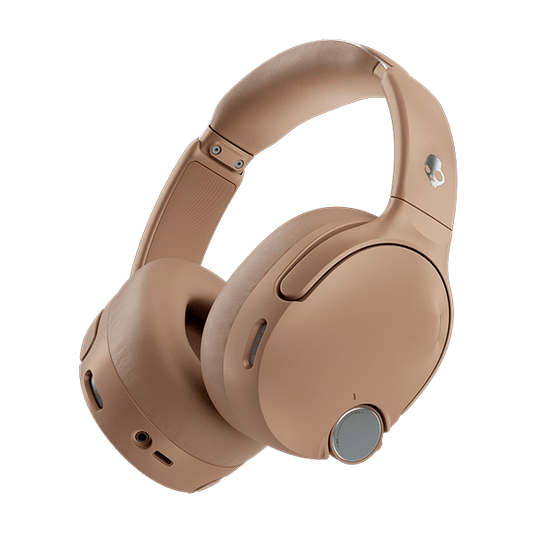
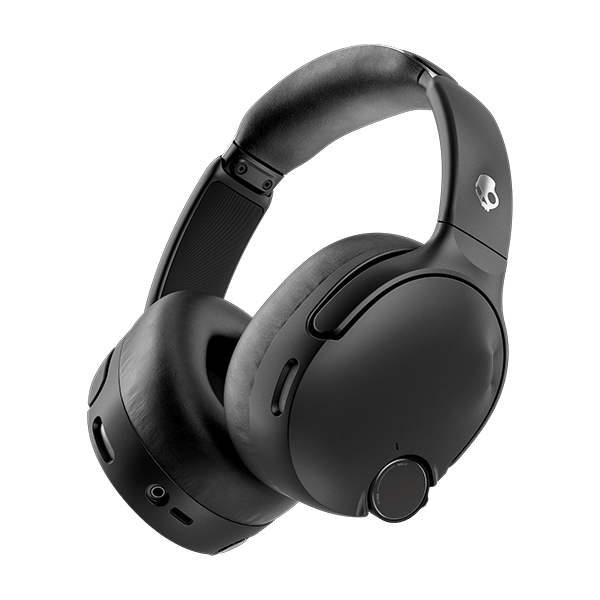
Crusher 1080 ANC just picked up a free firmware update, and it's a big one. Two upgrades in one release: Crusher Profiles, a first for Crusher, and better Crusher Bass at any volume. Here's everything that's new and how to get it.
WHAT'S NEW
This update brings two changes to Crusher 1080 ANC.
Crusher Profiles. Up until now, Crusher let you control how much sensory bass you feel. Now, for the first time on any Crusher, you can also control how it feels. Crusher 1080 ANC is the only product with Crusher Profiles, developed in collaboration with Bose.
Better Crusher Bass at any volume. We fine-tuned Crusher Bass so it hits just as hard at lower volumes, not just when you're cranked all the way up. Same full Crusher experience, whatever volume you're at.
MEET CRUSHER PROFILES
Crusher has always let you dial your bass up or down with the Crusher wheel. Crusher Profiles add a second layer of control: allowing you to choose between three distinct Crusher experiences that change how you feel the bass. Then adjust how much bass you feel with the Crusher wheel.
Three profiles, three completely different vibes.
FULL — Rich and warm. Deep, generous bass with plenty of body and smooth, relaxed highs.
BALANCED (default) — Even and versatile. Lows, mids and highs sit in balance for an accurate sound that fits every genre.
TIGHT — Close and focused. Fast, punchy bass with crisp detail and clear separation between instruments.
Pick a profile, then turn the Crusher intensity up or down with the wheel on your headphones or the dial in the Skullcandy App. Switch profiles whenever the mood strikes, in the app, or on the go with a double-press of the Custom button on your headset.
Pro tip: run through all three with music, a movie and a game before you settle in. The profile that slaps for your gaming session might not be the one you want for your favorite song or movie.
HOW TO GET IT
Updating takes about two minutes.
First, download the latest version of the Skullcandy App from the Apple App Store or Google Play store. Or, if you already have the Skullcandy App downloaded on your phone, you will need to update it to the latest release in your app store.
Then follow these steps:
-
Connect your Crusher 1080 ANC headphones to your phone with Bluetooth.
-
Open the app and link your Crusher 1080 ANC headphones.
-
Follow the prompt to install the latest firmware update.
-
Head to the Crusher Profiles widget.
-
Choose Full, Balanced or Tight.
-
Adjust your Crusher intensity with the Crusher wheel to find your sweet spot.
CRUSHER 1080 ANC VS. CRUSHER 720
Both headphones let you adjust how much Crusher Bass you feel. Crusher 1080 ANC takes it further: it's the only Crusher with Profiles, so you can also choose how that bass feels, not just how much of it you get.
THE BOTTOM LINE
Crusher wheel dials in how much bass you feel. Crusher Profiles let you choose how it hits. Combined with better Crusher Bass at low volumes, this update makes Crusher 1080 ANC more personal than ever, and it's already sitting in your headphones, waiting on an update.
Install the latest Skullcandy App release, update your product in the app, then try them all.